
Missing Last War BIO After Purchase? Fix Top-Up Errors Fast
You’re mid-Kill Day, your squad’s DEF buff is five minutes out from drop, and your Hero Growth Pack top-up just ate $99.99 — charge shows up in your bank, but there’s zero BIO in inventory. Anyone prepping for State vs. State knows this sync bug punches hard when timing and upgrades are non-negotiable, and these missing-purchase incidents rank among the top-reported issues since version 1.0.9, typically caused by a busted handshake between Google/Apple and FirstFun’s game servers.
Step 1 — Immediate Checks Before You Panic
First, triage before blasting support with tickets. Wait up to 24 hours; server lag spikes (especially on Kill Days or event rollovers) regularly stall item delivery, but transactions often resolve during maintenance cycles. Hard-close and restart the app to trigger a new sync—critical if your connection flickered during payment confirmation. Next, verify your payment isn’t just a gray "Pending" charge in your banking app; most banks auto-cancel unconfirmed attempts within 3–7 days.
Match your symptom to the table below for focused recovery:
| Symptom | Likely Culprit | Priority Action |
|---|---|---|
| Charged, no items delivered | Network/server timeout | Restart app, wait 24h, check receipt |
| Declined, money taken | Bank authorization hold | Wait for reversal (auto 3–7 days) |
| 'Item already owned' error | Cache mismatch | Clear cache/reinstall (Android/iOS) |
| Receipt stuck at Pending | Payment not processed | Wait for status update before action |
Always ensure Wi-Fi held steady throughout—the majority of instant failures trace back to brief LAN drops during confirmation.
Step 2 — Gather Your Evidence (UID, Order ID, Receipt)
Don’t even open a ticket without receipts. Grab your User ID (Avatar > Top Left) and write down your Server Number (seen on loading or in Settings). For Android, Google Play order IDs start with GPA.XXXX—check pay.google.com for the correct format. On iOS, extract your order details from Settings → Media & Purchases → Purchase History. Save or screenshot the “Purchase Successful” screen instantly; dev support can’t cross-reference logs without it.
If you’re on Android, Google Play’s Missing Item tool streamlines this with step-by-step prompts tied to your GPA number. For Apple, use Apple’s own refund/report system at reportaproblem.apple.com if developer response lags or fails entirely.
Step 3 — How to Contact Last War Support
Submit the perfect ticket by following this path: Avatar → Settings (Gear Icon) → Help & Support → Contact Us → Payment / Top-up Issues. Attach your receipt screenshot (GPA/Apple), UID, server, and purchase timestamp. The more complete your case, the faster the fix—support prioritizes cases with full data every SvS cycle.
If in-game isn’t responsive after the usual 24-hour sync window, escalate directly via the official email lastwarsurvival.help@gmail.com or reach out through the Facebook page. Players know the Last War official support channels resolve escalated payment problems faster than any public post. Tickets written clearly and respectfully get top-tier treatment — channel full R4 energy when summarizing your issue, and always include your GPA number or Apple receipt.
Why These Failures Happen & How to Prevent Them
Payment-delivery breaks happen when the game’s backend never receives the "PAID" signal due to a fragile sequence: device-to-app store, then app store-to-FirstFun servers. Weak local Wi-Fi, peak-time traffic (like flood-top-ups before major rankings), and regional platform lag all increase risk — especially notorious during alliance-wide recharge rushes pre-SvS. Always avoid third-party grey-market sellers or “cheap diamond” shops flaunting huge savings; their methods almost always exploit stolen cards or violate ToS, leading to permanent bans and no recourse. Even when sticking to the in-game shop, understand that delivery timing still relies on network conditions outside your direct control. This uncertainty is why experienced officers compare alternate recharging routes vetted for stability and transparency.
A More Reliable Alternative: LootBar Recharge
Recent alliance polls show many R4s shifting event-top-up routines to LootBar Recharge thanks to its published 4.9/5.0 Trustpilot score over 50,000 reviews and a 95/100 GridinSoft security rating. By sourcing through authorized APIs and using only your UID—not your password—LootBar sidesteps typical app-store handshakes where most delivery errors surface. Veterans note that, during SvS and other high-traffic windows, this API advantage keeps delivery reliable even when in-game platforms slow down. To review real-world feedback or initiate a recharge, click here and see how the flow compares for Last War: Survival squad building.
Categorias
Leia mais
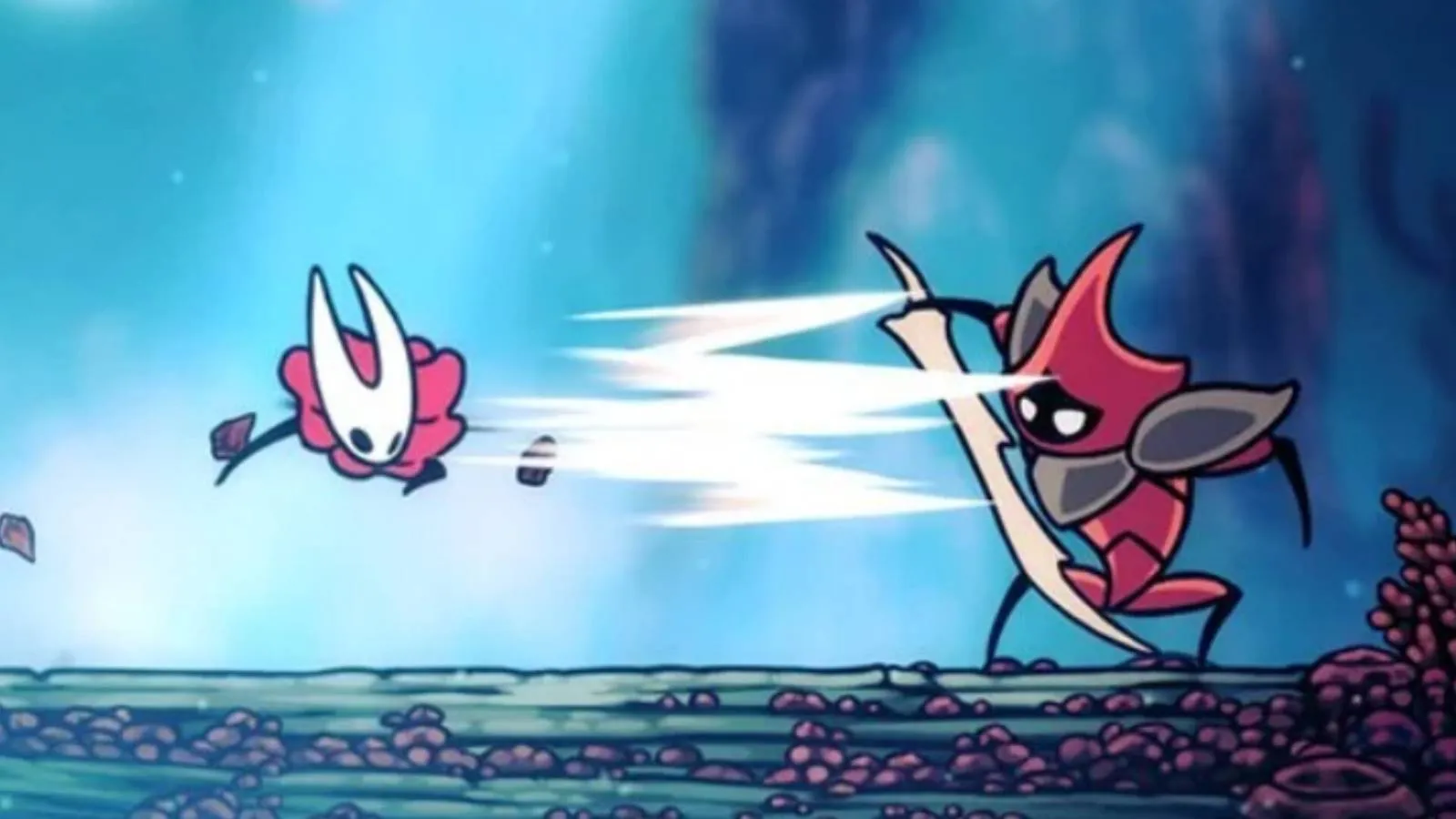
Let’s be honest: for months I’ve been treating Hornet’s charge attack like a fancy party trick. You know the one—hold the button, watch her coil up like an over‑caffeinated spring, then release a blow that has all the grace of a wet noodle. In the time it takes to charge, I could have stabbed a lesser bug seventeen times, brewed a cup of tea, and still had room to dodge...
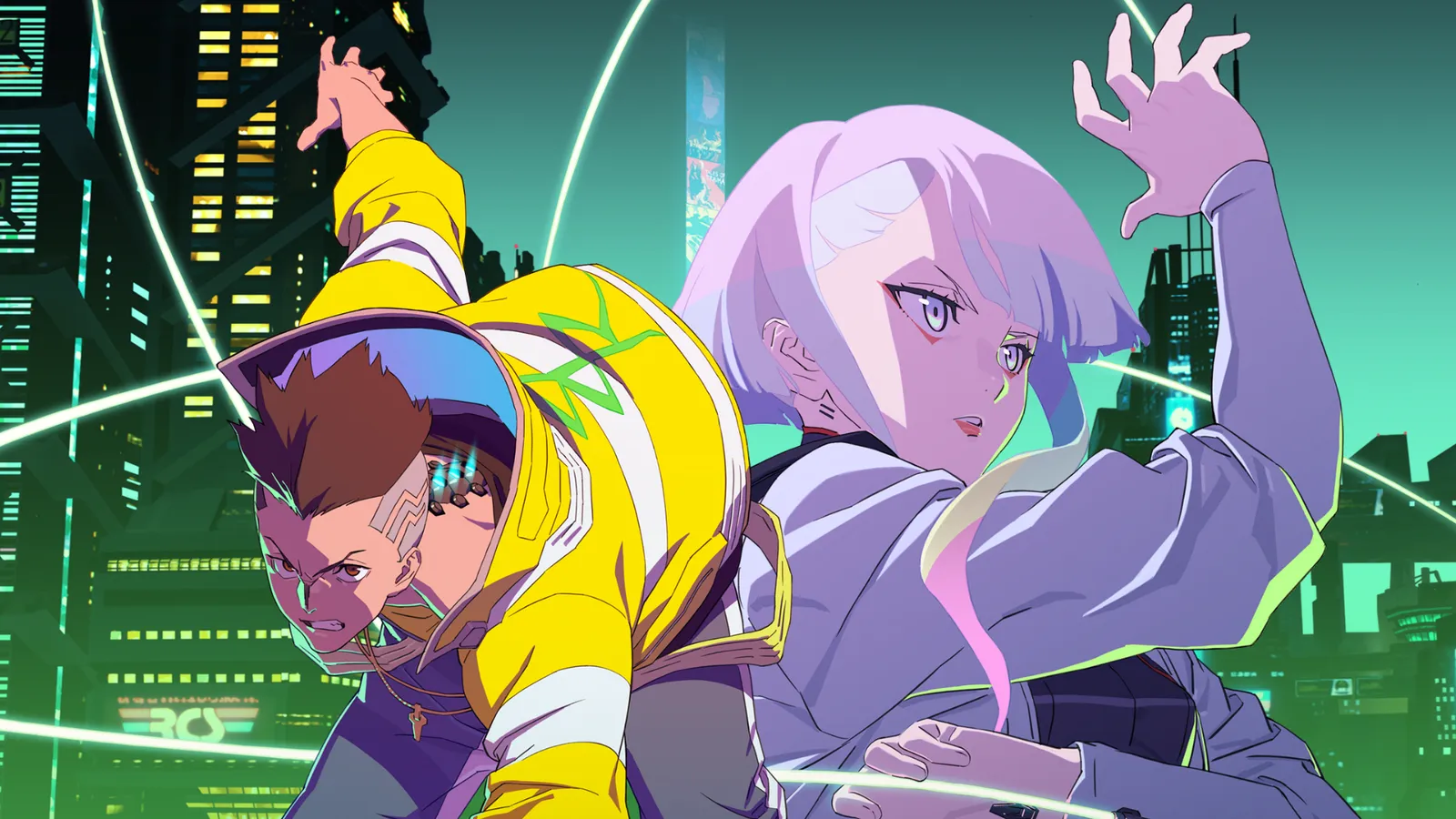
So, I finally jumped into the Wuthering Waves x Cyberpunk: Edgerunners crossover, and honestly? It hit me harder than I expected. You get to run around Night City as Lucy and Rebecca, which is a wild sentence to type in 2026. The whole event is built on the aftermath of the Edgerunners anime, and for fans who are still mourning that finale, it's a bittersweet experience. I mean, it's cool to...
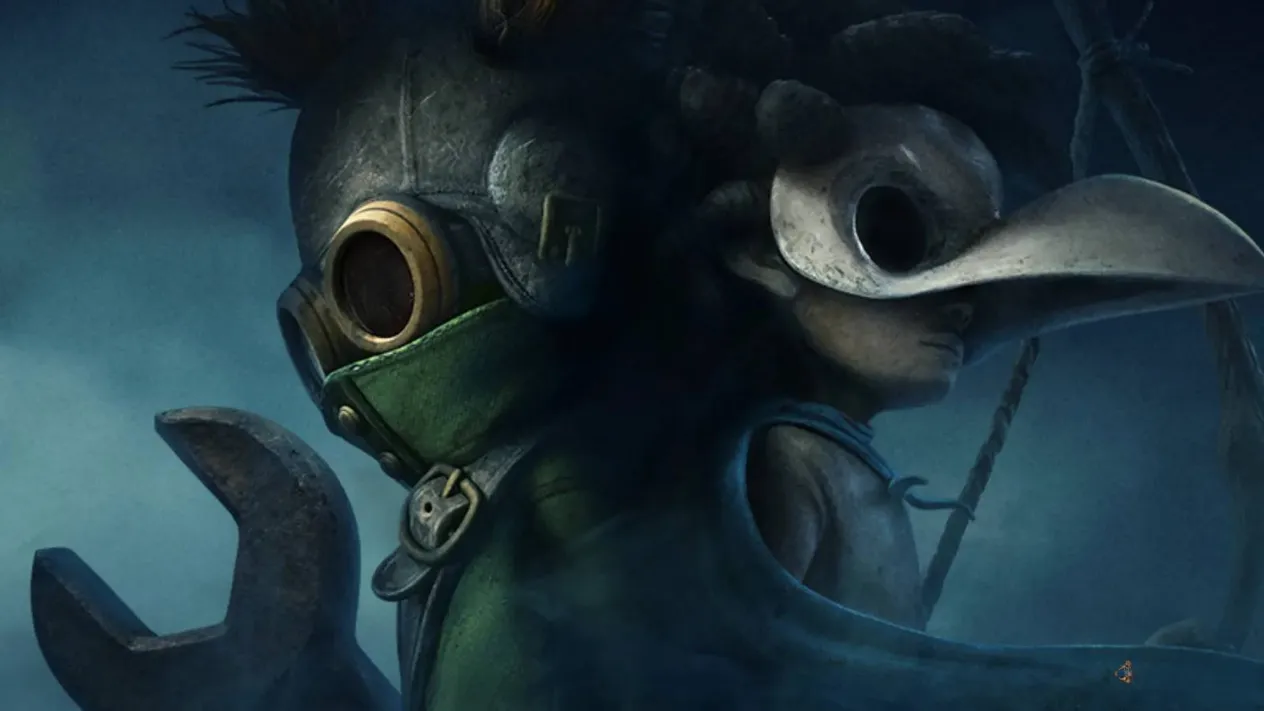
The original Little Nightmares was a revelation when it emerged in 2017, a grotesque fable that followed the raincoat-clad Six through the belly of an iron beast called the Maw. Its 2021 sequel deepened the mystery with Mono and a paper bag headpiece, weaving an atmosphere so thick it clung to the skin like damp silk. After Tarsier Studios was acquired by Embracer Group and moved on to...
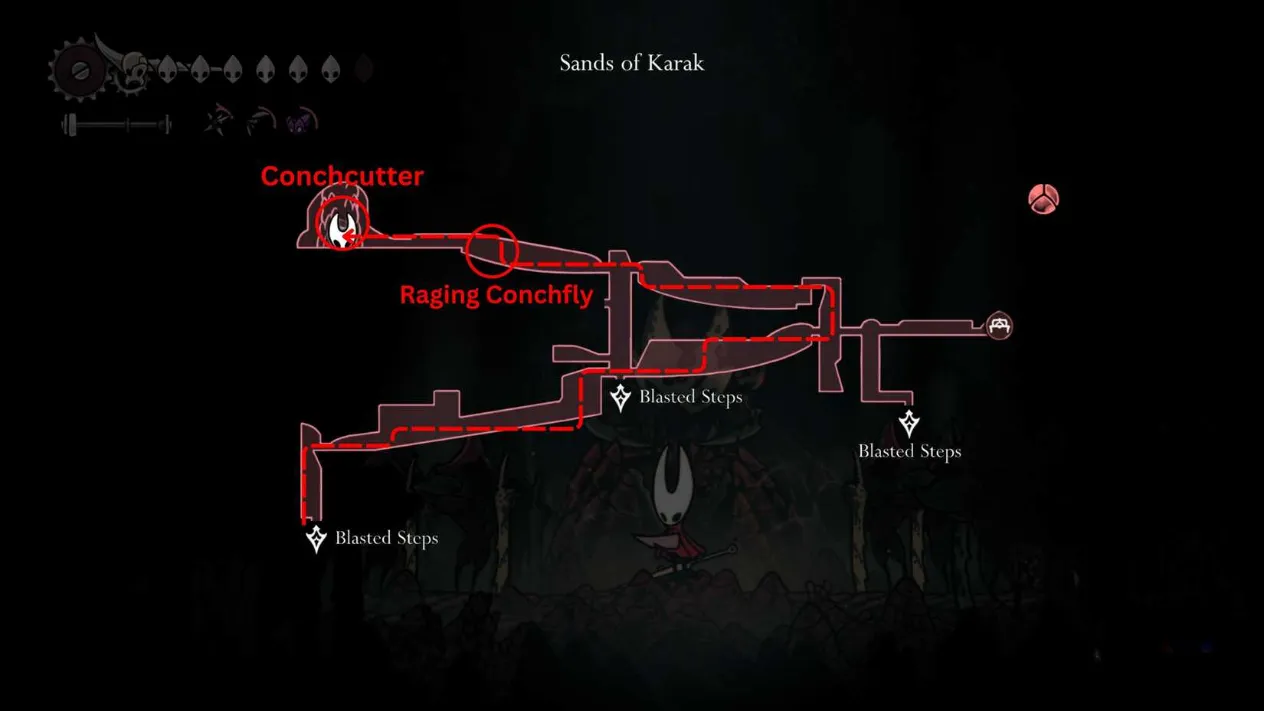
If you have been poking around the Citadel in Hollow Knight: Silksong, you have probably heard about the Conchcutter, and yeah, it is every bit as nasty as it sounds. I finally grabbed it in the second act after a few very sweaty attempts, and it immediately changed how I approached stubborn bosses. It is a red Tool that ricochets off walls and drills into anything unlucky enough to stand...
Hollow Knight: Silksong has been out for a while by 2026, and its reputation as a punishing metroidvania has only hardened. Players still expect a few bugs in a game about bugs, but Team Cherry's sequel delivers an overwhelming swarm of them. Not technical glitches—these are intentional, exquisitely designed nightmares. They block paths, drain resources, and turn small arenas into...